Smartwatches for Kids
Kids’ smartwatches have quickly become one of the most popular alternatives to smartphones for younger children. They offer many of the communication and safety benefits parents want without providing unrestricted internet access or social media.
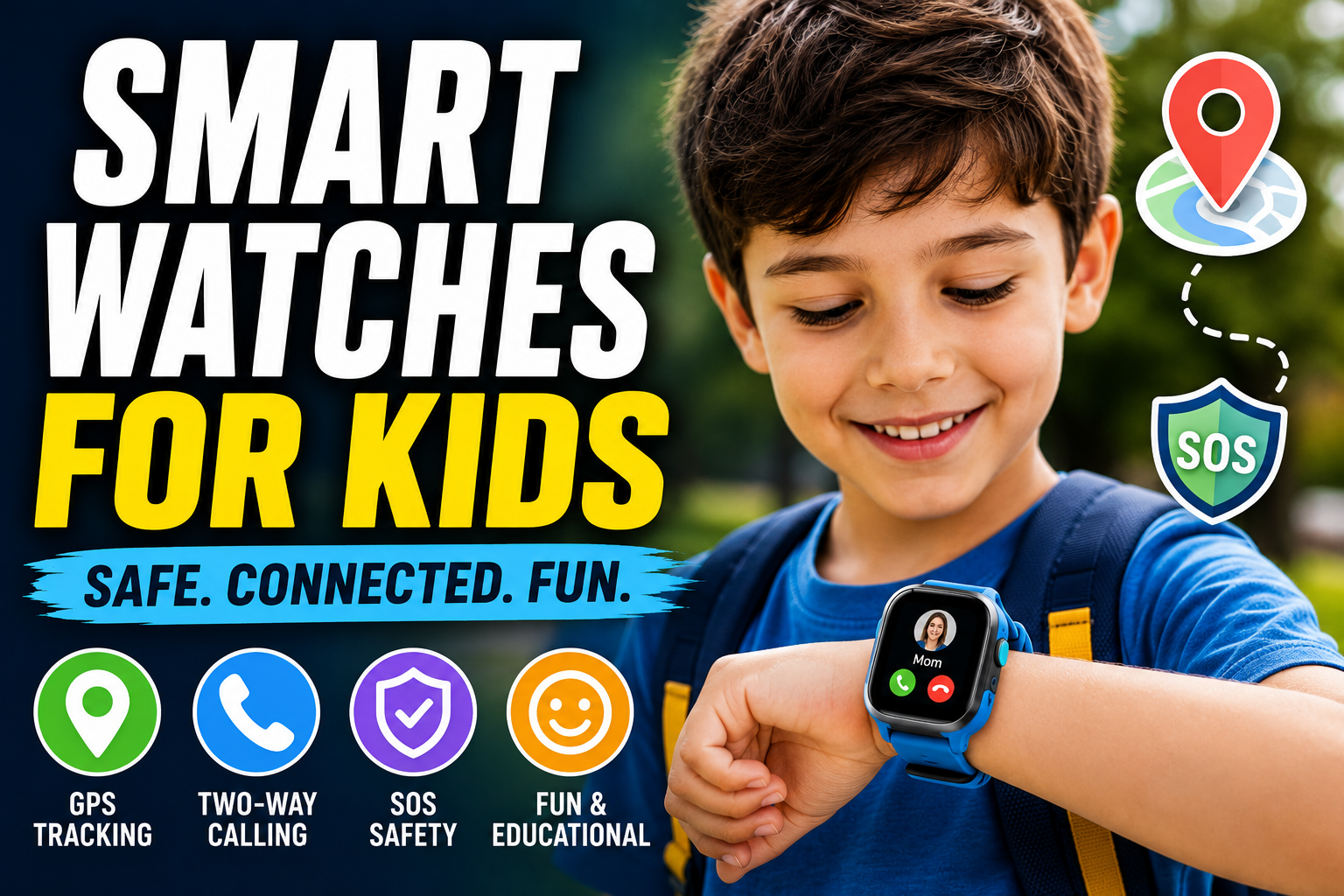
Modern smartwatches for kids combine GPS tracking, video calling, messaging, activity tracking, school modes, and educational games into a durable wearable designed specifically for children. For parents, they provide greater peace of mind. For kids, they offer independence in a fun and engaging way.
Top Kids Smartwatch Recommendations
| Product | Best For | GPS | Calling | SOS | Waterproof | Recommended Age | Overall Rating |
|---|---|---|---|---|---|---|---|
| COSMO JrTrack 5 | Best Overall | ✅ | ✅ | ✅ | Splash Resistant | 5–12 | ⭐⭐⭐⭐⭐ |
| Garmin Bounce 2 | Best for Active Kids | ✅ | ✅ | ✅ | 5 ATM | 6–12 | ⭐⭐⭐⭐⭐ |
| myFirst Fone R2 | Best for Video Calling | ✅ | ✅ | ✅ | Yes | 5–12 | ⭐⭐⭐⭐☆ |
| Xplora XGO3 | Best Budget GPS Watch | ✅ | ✅ | ✅ | Yes | 5–11 | ⭐⭐⭐⭐☆ |
| PlayZoom 4 Kids Smartwatch | Best Without Cellular | ❌ | ❌ | ❌ | Splash Resistant | 4–10 | ⭐⭐⭐⭐☆ |
This guide explores the features that matter most and how to choose the best smartwatch for your child.
Quick Comparison Table
| Best For | Recommended Features | Ideal Age |
|---|---|---|
| First Smart Device | GPS, calling, messaging | 5–8 years |
| School-Age Kids | School mode, GPS, activity tracking | 7–12 years |
| Active Kids | Waterproof design, fitness tracking | 6–12 years |
| Family Communication | Video calling, voice messaging | 5–12 years |
| Outdoor Adventures | GPS, geofencing, SOS | 7–14 years |
Why Parents Choose Smartwatches Instead of Smartphones
Many parents want a way to stay connected with their children without giving them unrestricted access to the internet.
A smartwatch provides communication while reducing many of the distractions associated with smartphones.
Benefits include:
- Easy communication
- GPS location tracking
- Emergency calling
- Limited distractions
- Fewer online risks
- Increased independence
- Activity encouragement
- Simple parental controls
For many families, a smartwatch serves as an ideal first connected device.
GPS Tracking
GPS tracking is often the most important feature for parents.
Depending on the device, GPS capabilities may include:
- Real-time location
- Location history
- Live tracking
- Safe zones
- Arrival notifications
- Route history
These tools help parents know where their child is throughout the day.
Geofencing
Geofencing creates virtual boundaries.
Parents can establish safe locations such as:
- Home
- School
- Grandparents’ house
- Sports practice
- Daycare
When a child enters or leaves one of these designated areas, parents receive an automatic notification.
This feature is especially useful for busy families with predictable daily routines.
Two-Way Calling
Most kids’ smartwatches support calling.
Parents can:
- Call their child directly.
- Receive incoming calls.
- Limit approved contacts.
- Block unknown numbers.
Unlike smartphones, most kids’ watches allow communication only with trusted contacts approved by parents.
Voice and Video Messaging
Many newer smartwatches include:
- Voice messages
- Short video calls
- Text messaging
- Emojis
- Quick preset responses
These communication options help children stay in touch while remaining easy to use.
SOS Emergency Button
One of the most valuable safety features is the emergency SOS button.
When activated, many watches can:
- Notify emergency contacts
- Share GPS location
- Initiate a phone call
- Send emergency alerts
Parents should teach children when and how to use this feature responsibly.
School Mode
School Mode helps minimize distractions during class.
When enabled, many watches:
- Disable games
- Silence notifications
- Restrict calling
- Allow emergency communication only
This helps children stay focused while remaining reachable if necessary.
Fitness and Activity Tracking
Many kids’ smartwatches encourage healthy habits.
Common features include:
- Step counting
- Daily activity goals
- Movement reminders
- Exercise challenges
- Virtual rewards
- Active minutes
Gamified fitness motivates children to stay active while making exercise fun.
Educational Features
Some watches include educational tools that support learning.
Examples include:
- Math games
- Memory challenges
- Reading activities
- Puzzle games
- Language learning
- Habit reminders
These features provide entertainment while promoting cognitive development.
Parental Controls
Strong parental controls allow adults to manage the smartwatch experience.
Parents can often:
- Approve contacts
- Set usage schedules
- Manage app access
- View location history
- Configure safe zones
- Monitor battery status
- Enable or disable specific features
These settings help tailor the watch to the child’s age and maturity level.
Battery Life
Battery life varies by device and usage.
Typical expectations include:
| Feature Usage | Average Battery Life |
|---|---|
| Basic standby | 3–7 days |
| Moderate daily use | 2–5 days |
| Continuous GPS | 1–2 days |
| Frequent video calls | Less than 1 day |
Charging the watch overnight is often the easiest routine for families.
Durability
Children are active, and their devices need to keep up.
Look for features such as:
- Water resistance
- Scratch-resistant displays
- Reinforced cases
- Shock protection
- Comfortable silicone bands
- Secure clasps
A durable design helps reduce damage during everyday play.
Privacy and Security
Because children’s devices collect sensitive information, privacy should be a priority.
Before purchasing, review:
- Data encryption
- Location privacy settings
- Parent account security
- Contact restrictions
- Software update policies
- Data storage practices
Choosing a reputable manufacturer can help protect your child’s personal information.
Cellular vs. Bluetooth Models
Kids’ smartwatches are generally available in two categories.
Cellular Models
Advantages:
- Independent calling
- GPS tracking anywhere
- Text messaging
- No phone required nearby
Best for families that want constant connectivity.
Bluetooth Models
Advantages:
- Lower cost
- Simpler setup
- No monthly cellular plan
- Longer battery life
Best for younger children who remain close to parents most of the time.
Choosing the Right Watch by Age
Ages 5–7
Prioritize:
- GPS
- Calling
- SOS
- School Mode
- Simple interface
Ages 8–10
Consider adding:
- Fitness tracking
- Messaging
- Educational games
- Activity rewards
Ages 11–14
Older children may appreciate:
- More customization
- Music controls
- Calendar reminders
- Advanced fitness tracking
- Greater independence with parental oversight
Selecting features that match your child’s maturity level can provide a better long-term experience.
Tips for Parents
Help your child get the most from their smartwatch by establishing clear expectations.
Consider these guidelines:
- Explain when communication is appropriate.
- Practice using the SOS feature.
- Review privacy settings together.
- Set charging reminders.
- Keep software updated.
- Discuss responsible use at school and during activities.
- Periodically review approved contacts and location settings.
These habits encourage both safety and responsible technology use.
Common Buying Mistakes
Avoid these common mistakes:
- Buying a smartwatch that’s too advanced for your child’s age.
- Ignoring ongoing cellular service costs.
- Choosing a device without parental controls.
- Overlooking battery life.
- Forgetting to check network compatibility.
- Prioritizing games over safety features.
- Skipping software updates that improve security.
Balance Oversight and Independence
A smartwatch can be an excellent first connected device for children, offering a balance between independence and parental oversight. With features like GPS tracking, safe contact lists, emergency alerts, and activity tracking, these devices help families stay connected while encouraging healthy habits and responsible technology use.
The best smartwatch for your child will depend on their age, maturity, daily routine, and your family’s communication needs. Focus on safety, ease of use, and reliable parental controls rather than the longest list of entertainment features.
Frequently Asked Questions
What age is appropriate for a kids’ smartwatch?
Many children begin using a smartwatch between the ages of 5 and 8, especially when they start school or participate in activities where parents want an easy way to stay in touch.
Do kids’ smartwatches require a monthly service plan?
Some models with built-in cellular connectivity require a monthly plan, while Bluetooth-only models do not. Check the manufacturer’s requirements before purchasing.
Can parents track their child’s location?
Yes. Many kids’ smartwatches include GPS tracking that allows parents to view their child’s location through a companion app and receive alerts when they enter or leave designated safe zones.
Are kids’ smartwatches safe for school?
Most are designed with a School Mode that limits calls, games, and notifications during class while still allowing emergency communication if needed.
Can strangers contact my child?
Most reputable kids’ smartwatches allow parents to create an approved contact list, preventing calls and messages from unknown numbers.
Are kids’ smartwatches waterproof?
Many models are water resistant and can handle rain, handwashing, and light splashes. However, not all are suitable for swimming, so always check the specific water-resistance rating.
What is the most important feature for parents?
For many families, GPS tracking combined with an SOS emergency button and strong parental controls provides the greatest peace of mind.
Can a kids’ smartwatch replace a smartphone?
For many younger children, yes. A smartwatch offers essential communication and safety features without the broader internet access, social media, and distractions that come with a traditional smartphone.