Heads up: some links on this page are affiliate links. As an Amazon Associate, we earn from qualifying purchases, at no extra cost to you. Read our full disclosure.
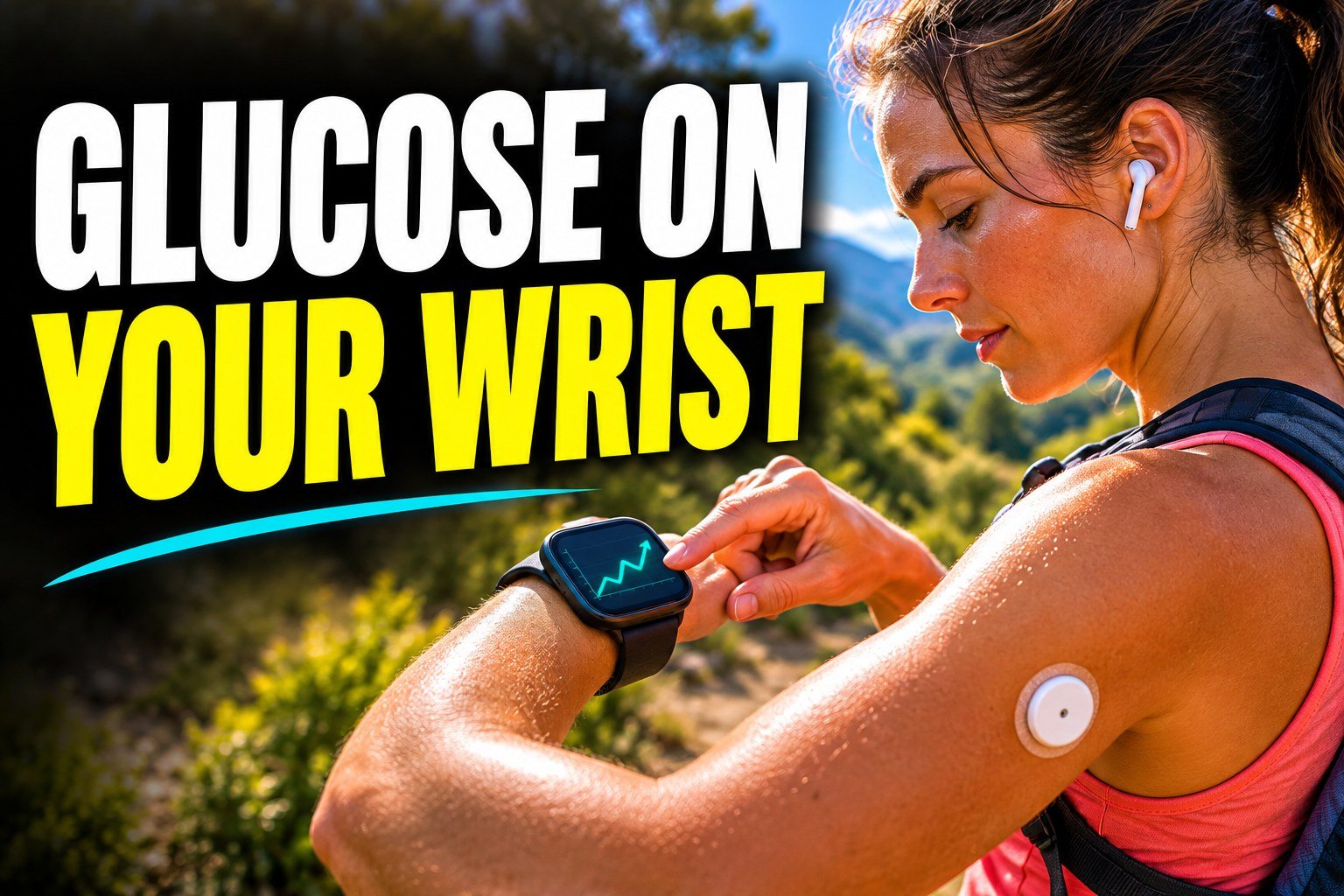
First, the warning, because it matters more than any product pick. No smartwatch or smart ring can measure your blood sugar by itself. Watches sold online claiming “non-invasive glucose monitoring” aren’t approved for that, and the FDA has warned people not to use them. What a smartwatch can do is show readings from a real continuous glucose monitor (CGM) worn on your body. That’s genuinely useful, and that’s what this guide covers.
How CGM readings get to your watch
A CGM sensor on your arm or belly sends readings by Bluetooth. Usually they go to your phone, and the phone passes them to your watch, so your phone needs to be nearby. One exception, covered below, sends readings straight to the watch.
Which watches work with which CGMs
| Watch | Dexcom G7 | FreeStyle Libre | Phone needed nearby? |
|---|---|---|---|
| Apple Watch | Yes, including Direct to Watch on supported models | Through the Libre app or third-party apps, depending on sensor and region | Not with Dexcom G7 Direct to Watch, otherwise yes |
| Wear OS watches (Google Pixel Watch, Samsung Galaxy Watch) | Yes, through the Dexcom app | Varies, check Abbott’s list | Yes |
| Garmin watches | Yes, through Dexcom’s Connect IQ app | Varies | Yes |
| Fitbit trackers, cheap budget watches | Generally no | Generally no | Not applicable |
Compatibility changes with app updates, so always confirm on Dexcom’s or Abbott’s official compatibility page before you buy a watch for this.
Dexcom G7 Direct to Watch
This is the standout feature. With the Dexcom G7 and a supported Apple Watch, the sensor can send readings straight to the watch, so you still see your numbers when your phone is in a locker or another room. You need an iPhone to set it up, and Dexcom lists which Apple Watch models qualify on its support site. For athletes and kids at practice, it’s a big deal.
Apple Watch: the most complete option
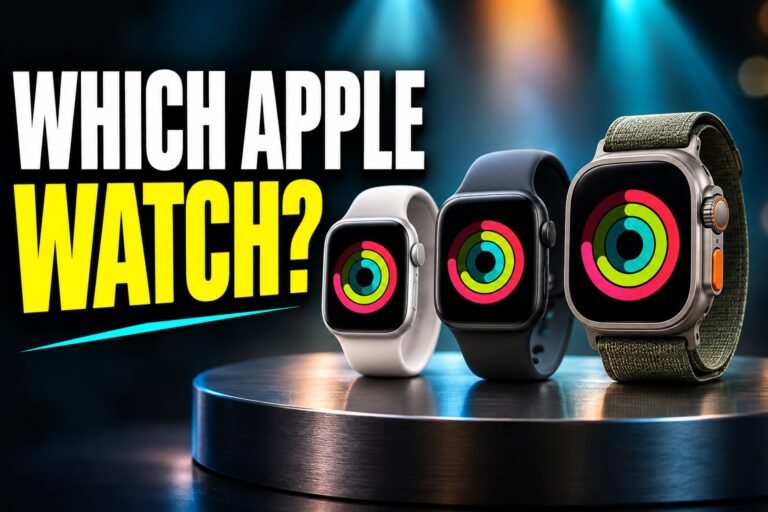
If you have an iPhone, the Apple Watch has the broadest CGM support: Dexcom’s watch app, Direct to Watch for G7, and options for FreeStyle Libre users through apps. Complications put your current number right on the watch face. Our guide on how to choose an Apple Watch explains the models.
Android and Garmin
Wear OS watches like the Pixel Watch and Galaxy Watch can show Dexcom readings through the Dexcom app, with your phone nearby. Garmin owners can add Dexcom’s Connect IQ app to see glucose on the watch face and even during workouts, which runners love. See our Android smartwatch guide for model picks.
What to check before you buy
Check your exact CGM model and your exact phone against the official compatibility list. Check whether the watch app needs your phone in range. Think about battery, since an Apple Watch needs daily charging and a dead watch shows nothing. And never treat the watch as your only alarm. Keep alerts on your phone or receiver too.
This post is general information, not medical advice. Talk with your diabetes care team about how to use CGM data and alerts.
FAQ
Can a smartwatch measure blood sugar?
No. No smartwatch or smart ring can measure blood glucose on its own. Smartwatches can only display readings from a separate CGM sensor.
Which smartwatch works best with Dexcom G7?
The Apple Watch, because it supports Direct to Watch, which lets the sensor send readings to the watch without your phone nearby.
Does FreeStyle Libre work with Apple Watch?
Libre data can appear on an Apple Watch through the Libre app or third-party apps, depending on your sensor and region. Check Abbott’s compatibility information.
Do I need my phone nearby to see glucose on my watch?
Usually yes. Dexcom G7 Direct to Watch on supported Apple Watch models is the main exception.
Can I see CGM readings on a Garmin watch?
Yes, Dexcom readings can show on supported Garmin watches through Dexcom’s Connect IQ app, with your phone nearby.