Heads up: some links on this page are affiliate links. As an Amazon Associate, we earn from qualifying purchases, at no extra cost to you. Read our full disclosure.
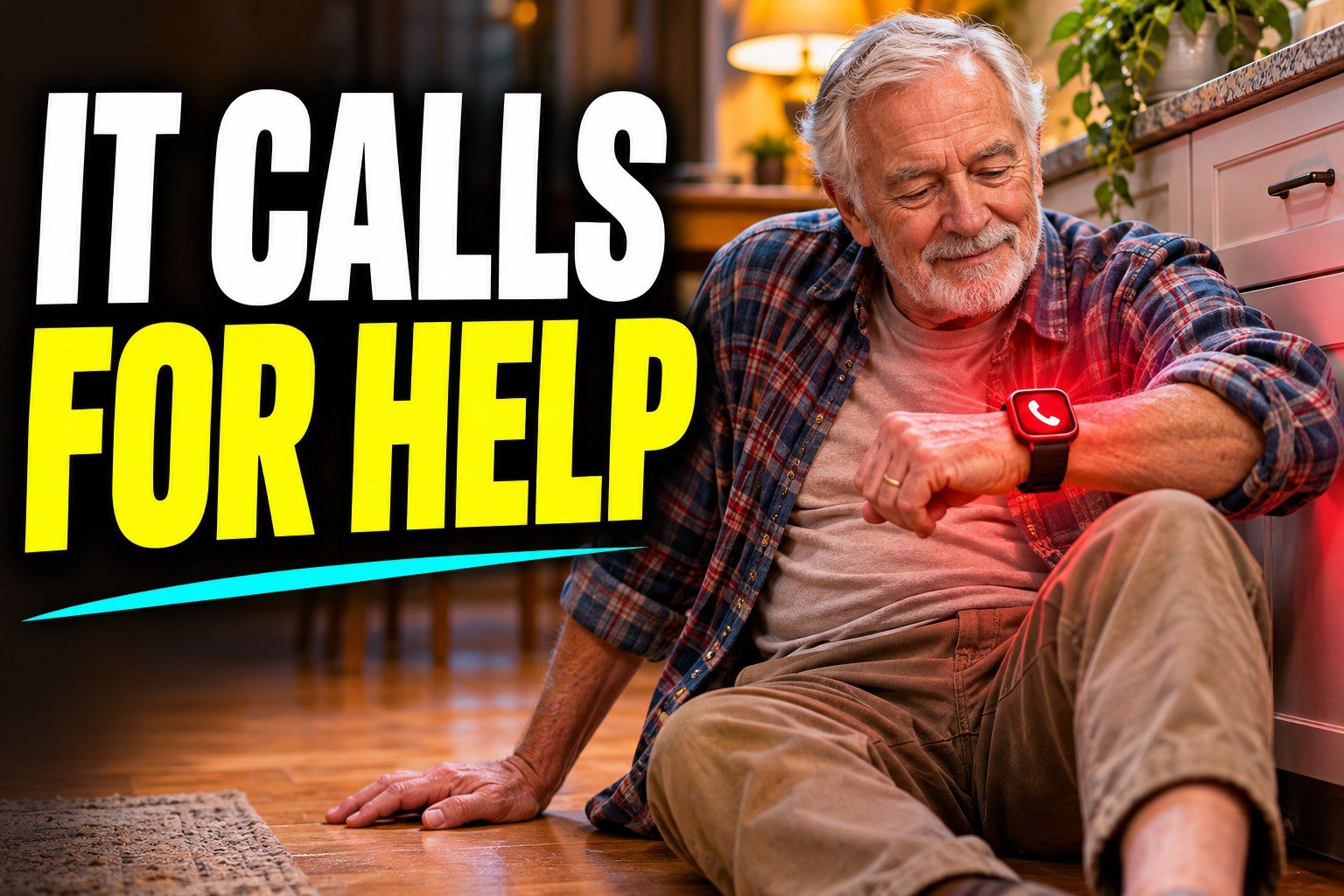
Fall detection is one of those features you hope never fires. When it does, it can matter a lot. The watch notices a hard fall, checks if you’re okay, and if you don’t answer, it calls for help and tells your emergency contacts where you are.
How a watch knows you fell
Every smartwatch has an accelerometer and a gyroscope, the same motion sensors that count your steps. A real fall has a pretty distinct signature: a sudden drop, a hard impact, then very little movement. The watch’s software looks for that pattern and ignores the everyday stuff, like flopping onto the couch or clapping.
What happens after a fall
On most watches, the sequence goes like this. The watch taps your wrist, sounds an alert, and shows a screen asking if you’re okay. You can say you’re fine or that you fell but you’re okay, and it stops. If you don’t respond and the watch senses you haven’t moved, it counts down, then calls emergency services and sends your location to your emergency contacts. The whole thing usually takes around a minute.
For that call to go through, the watch needs a connection. A GPS-only watch uses your phone, so your phone has to be nearby. A cellular watch can call on its own, which is why I’d pick cellular for anyone who lives alone.
Which watches have it
| Watch | Fall detection | Notes |
|---|---|---|
| Apple Watch SE and Series and Ultra | Yes | Turns on by default for some older users, and anyone can switch it on |
| Samsung Galaxy Watch | Yes | Set up through the Samsung Health and watch apps |
| Google Pixel Watch | Yes | Calls emergency services and shares location |
| Garmin watches | Incident detection | Mostly during tracked activities like runs and rides |
| Medical alert watches | Often | Connect to a 24/7 monitoring center on a monthly plan |
How well it works
It’s good, not perfect. Hard falls with a big impact get caught most reliably. Slow, sliding falls, like slumping out of a chair, can be missed because the motion is gentle. Odd false alarms happen too, usually during intense workouts, so some watches turn it on only for workouts or let you adjust when it runs. If the watch is on the charger, it can’t help at all, which is a real argument for long battery life.
Setting it up right
Turn fall detection on in the watch’s settings. Add at least one emergency contact. Make sure location services are on, and keep the watch snug enough to read your movement. Then talk through it with the person wearing it. Knowing what the alarm sounds like makes it much less scary when it goes off.
Buying for a parent or grandparent? Our wearable gifts for seniors guide and best wearable health devices for seniors go through the best options.
FAQ
How does smartwatch fall detection work?
Motion sensors look for a sudden drop, a hard impact and stillness afterward. If you don’t respond to the alert, the watch calls emergency services and notifies your contacts.
Does fall detection need a cellular watch?
No, but a GPS-only watch needs your phone nearby to place the call. A cellular watch can call on its own.
Can fall detection go off by accident?
Yes, occasionally during vigorous activity. You can dismiss the alert, and some watches let you limit fall detection to certain times.
Does fall detection cost extra?
Not on Apple, Samsung or Google watches. Cellular service has a monthly carrier fee, and medical alert watches charge for monitoring.
Does fall detection work if I fall slowly?
Slow, gentle falls are harder to detect. It’s most reliable with hard falls that involve a clear impact.